
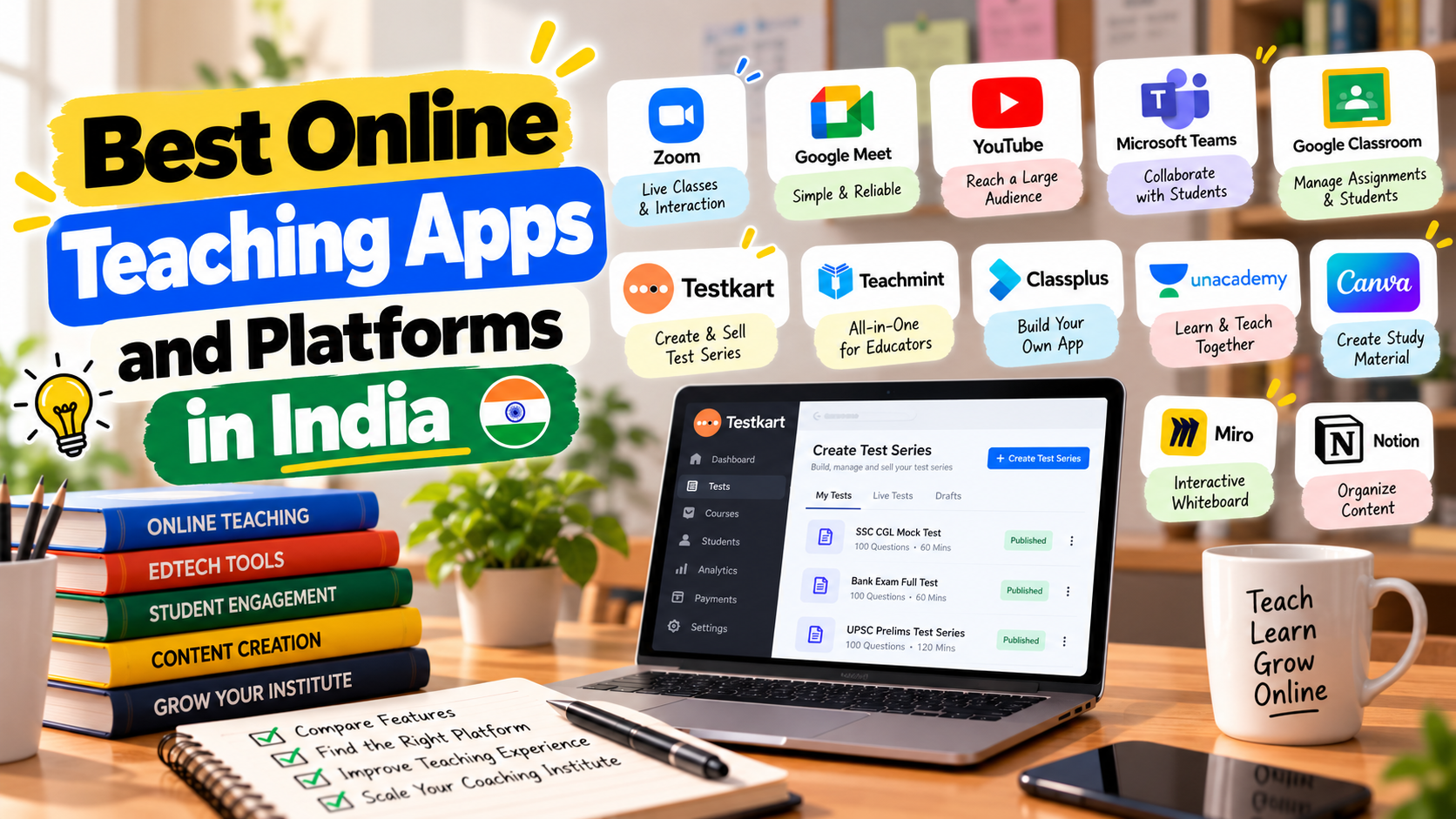
Ask ten teachers which app they use for online teaching and you will get ten different answers, and most of them will be right. The reason is that "online teaching app" covers several different jobs. One teacher needs a way to run a live class. Another wants to sell recorded lessons. A third needs to give students practice tests. No single app does everything equally well.
This guide sorts the main options by the job they do, so you can choose by need and not by popularity. It is based on public descriptions of each product, and features and plans change, so check each provider's current details.
Start with the job, not the app
Before looking at names, decide which of these you actually need.
Job | Question to ask yourself |
Live teaching | Do I teach in real time and need students to see and hear me? |
Recorded lessons | Do I want students to learn at their own pace? |
Practice and tests | Do students need timed papers and scores? |
Running a business | Do I need fees, attendance and a branded app? |
Selling | Do I want strangers to find and buy my content? |
Most teachers combine two or three tools. That is normal, and often better than one tool that does everything badly.
1. Live class tools
These tools are built for real-time video teaching.
Type | Examples | Good for | Watch out for |
General video meeting tools | Google Meet, Zoom, Microsoft Teams | Live classes and doubt sessions | Time limits and features depend on the plan |
Live streaming | YouTube Live | Free public classes that build an audience | Less control over who attends |
Classroom managers | Google Classroom | Sharing assignments and announcements | Not built for exam-style practice |
Strengths: familiar to students, quick to start, often free at a basic level. Limits: they are not built to sell your content or to run exam-style tests.
2. Platforms for coaching institutes and branded apps
Some platforms help tutors and institutes run their teaching under their own name, often with a branded mobile app, plus tools for students, fees and communication.
Examples include Classplus, Teachmint and Graphy, along with a number of other vendors. They differ in focus. Some lean toward institutes and administration. Others lean toward creators who want their own storefront. If you are weighing these, the comparison pages for Classplus, Teachmint and Graphy explain how each differs from a marketplace approach.
Strengths: a complete setup under your brand. Limits: you usually bring your own students, and the setup takes effort.
3. Course and content platforms
These tools help you host recorded lessons and notes so students can learn at their own pace. Some are general course platforms. Others are built for Indian exam preparation.
Strengths: lessons stay available after the live class ends. Limits: students need self-discipline, and a course without practice tests is incomplete.
4. Test and practice platforms
For competitive exam teaching, practice is where results come from. Test platforms let teachers create timed multiple choice papers, group them into a series and give students scores.
Testkart sits in this group. It is a marketplace where teachers and educators create, publish and sell mock tests, courses and study materials for competitive exams, with technology to create and conduct online tests and a way to reach students nationwide. It is not a live class tool, so many teachers use it alongside a video tool.
Strengths: built around exam practice, and it helps students find you. Limits: not designed for live classes or fee management. Learn more on the online teaching app page.
5. Free tools that fill the gaps
Many teachers start with free tools for quizzes, slides, whiteboards and recording. The guide to free tools and apps for teachers covers them in detail.
What exam teachers should look for
Teaching for a competitive exam has needs that general classroom tools do not cover. When you compare options, look for these.
Need | Why it matters for exam preparation |
Timed, exam-style tests | Students must practise under real conditions |
A way to group tests into a series | Preparation runs over weeks, not days |
Quick results | Feedback loses value when it arrives late |
Notes and lessons next to tests | Students want to review mistakes in one place |
A way to reach new students | Teaching alone does not fill batches |
A live class tool may cover the first hour of a student's day, but the rest of the preparation happens in practice. Teachers who build that part well tend to keep students longer.
A simple comparison by situation
Your situation | A sensible mix |
Solo tutor, a few students | Video meeting tool plus free quiz tool |
Competitive exam teacher with a small following | Video tool plus a test marketplace |
Institute with several batches | Video tool, a management platform and an online test platform |
Creator who wants a personal brand | A branded storefront plus a live tool |
Teacher who only wants to sell notes and tests | A marketplace |
How to choose without regret
1. Write down your top three needs. Not ten. Three.
2. Try the free version first. Teach one real class or publish one real test.
3. Check the cost over a year. Fees often change as you add students.
4. Check who owns your content. You should be able to export or leave.
5. Ask what happens at exam time. Busy periods expose weak support.
6. Ask your students. If they find it hard to use, you will lose them.
7. Avoid switching constantly. Pick a stack and give it a month.
Mistakes teachers make with online teaching tools
• Choosing a tool because a famous teacher uses it.
• Paying for features they never open.
• Using a live tool for everything, including tests.
• Not thinking about how students will find them.
• Moving every student to a new platform at once without a trial.
Where to go next
If you mainly want to give students practice and earn from tests, start with the online test series platform page. If your focus is recorded lessons and study notes, see how to sell courses online.
FAQs
Which is the best app for teaching online?
There is no single best app. Live class tools, branded app platforms, course platforms and test marketplaces each do a different job, so most teachers combine two or three.
Can I teach live classes on Testkart?
No. Testkart is for mock tests, courses and study materials. You can use a separate video tool for live classes.
Is there a free app for teaching online?
Yes. Several video meeting and classroom tools have free plans, though limits and features change.
Which platform is best for a coaching institute?
It depends on whether you need fee and student management, a branded app, practice tests or all three.
How do I sell my lessons and tests online?
Publish them on a marketplace such as Testkart or build a storefront on a creator platform.
Comments (0)
Please log in to join the discussion.
Log In to CommentNo comments yet. Be the first to share your thoughts!