
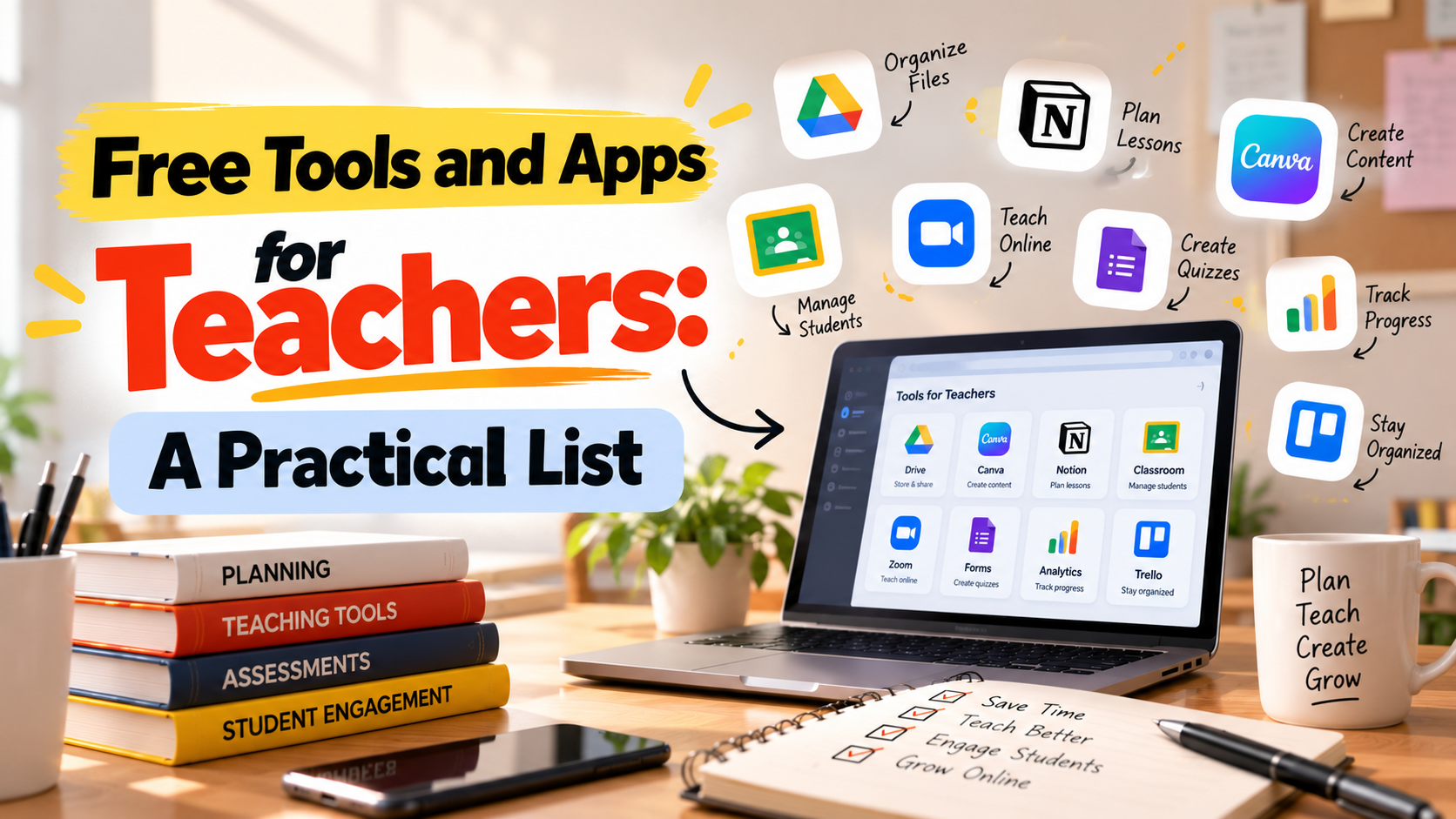
You do not need an expensive setup to teach well online. A phone, a stable connection and a handful of free tools can take you a long way. The trick is choosing a small set that fits how you teach, instead of installing twenty apps and using none of them well.
This list groups free tools by what they help you do. Free plans change from time to time, and a feature that is free today may move behind a paywall tomorrow, so check each tool's current terms before you build your routine around it.
1. Live classes and doubt sessions
Tool | What it does | Notes |
Google Meet | Video meetings with a link, works in a browser | Meeting length and size limits depend on the plan |
Zoom | Video meetings with breakout rooms and screen share | Free plans have time limits on group meetings |
YouTube Live | Streams a class to a public audience | Good for building a following, less control over who joins |
Practical tip: whatever you choose, share the link and timing in one fixed place so students never hunt for it.
2. Managing classes and assignments
Tool | What it does | Notes |
Google Classroom | Posts announcements, assignments and materials | Works well with other Google tools |
Google Drive | Stores notes and question papers | Organise by exam and topic |
Google Forms | Collects answers and feedback | Useful for quick quizzes and surveys |
A shared folder structure saves hours. Use the same naming pattern for every file, such as "Exam – Subject – Topic – Date".
3. Quizzes and quick practice
Tool | What it does | Notes |
Kahoot | Game-style live quizzes | Fun for revision sessions |
Quizizz | Self-paced quizzes with instant results | Good for homework |
Google Forms quiz mode | Simple auto-graded quizzes | Plain, but flexible |
These suit short classroom practice. For full-length, exam-style papers that students can buy and attempt in the real exam format, a test platform fits better. The online test creator page explains how teachers build and publish such tests on Testkart.
4. Slides, notes and visuals
Tool | What it does | Notes |
Canva | Designs slides, posters and worksheets | Free plan has limits on templates and storage |
Google Slides | Simple slide decks with sharing | Works in a browser |
Notion or similar note apps | Organises lesson plans and notes | Learning curve at first |
A clear slide has one idea and a few words. Use images and diagrams to explain, not to decorate.
5. Recording lessons
Tool | What it does | Notes |
OBS Studio | Records the screen and camera | Free and powerful, takes time to learn |
Your phone camera plus a tripod | Records handwritten explanations | Cheap and effective for maths and reasoning |
Screen recorders built into phones and laptops | Capture quick demonstrations | Good for short clips |
Good audio matters more than good video. A cheap clip-on microphone often improves a recording more than a better camera.
6. Whiteboards and visual explanation
Free digital whiteboards let you write and draw while teaching. Many video tools include a basic whiteboard, and several standalone ones exist. If you teach maths, reasoning or diagrams, a tablet with a stylus or a phone on a stand over a notebook can work better than a mouse.
7. Government and open learning resources
India has several free platforms for learners and teachers.
• DIKSHA. A national platform with learning resources for school education, including material that teachers can use in class.
• SWAYAM. A government platform offering free online courses.
• YouTube. A huge library of free lessons from teachers across the country.
These can supply reading material, lesson ideas and reference content. Check that the material matches the syllabus you teach.
8. Tools for planning and time
Teachers often underestimate how much time goes into planning. A simple calendar app with reminders, a task list and a shared timetable for students are small tools with big effects. Choose one and use it consistently.
What free plans usually leave out
Limit | What it means |
Time limits | Group meetings may end after a set time |
Storage caps | Large videos fill up free storage quickly |
Branding | Watermarks and logos on exported work |
Analytics | Less detail on how students performed |
Support | Little or no help when something breaks |
Selling | No way to charge students for access |
The last point matters if you want to earn from your teaching. Free classroom tools do not help you sell tests or courses. For that, you need a place where students can find and buy your work. Testkart is a marketplace where teachers and educators create, publish and sell mock tests, courses and study materials for competitive exams, so you can use free tools for teaching and Testkart for the products you sell. The online teaching app page explains how the two fit together.
A starter kit for a solo teacher
If you want a short and simple setup, here is one that works for many teachers.
1. A video meeting tool for live classes.
2. Google Drive for notes and question papers.
3. A quiz tool for quick class practice.
4. A phone or screen recorder for lessons.
5. A test marketplace for full-length mock tests and test series.
Start with these five and add something only when you feel a clear gap.
Habits that matter more than tools
• Plan the lesson before you open the app.
• Keep one folder system for everything.
• Test your audio and connection before every class.
• Share notes and recordings in a fixed place.
• Ask students which tool works best for them.
Where to go next
For a wider comparison of platforms, read the guide to the best online teaching apps and platforms in India. Teachers who want to turn their material into an income can learn more on the teachers and tutors page.
FAQs
What are the best free apps for teachers?
A video meeting tool, a classroom manager, a quiz tool, a design tool and a screen recorder cover most needs. Free plans change, so check current limits.
Can I teach online completely for free?
You can run classes with free tools, but free plans usually limit time, storage or features, and none of them help you sell your work.
Which free tool is best for quizzes?
Kahoot, Quizizz and Google Forms are common choices for classroom practice.
How do I make full-length mock tests?
Use a test platform built for exam practice. Teachers can create and publish mock tests on Testkart.
Are government platforms useful for teachers?
Yes. Platforms like DIKSHA and SWAYAM offer free resources, though you should check that they match your syllabus.
Comments (0)
Please log in to join the discussion.
Log In to CommentNo comments yet. Be the first to share your thoughts!