
What you will learn in this guide. This guide walks you through the very beginning of your Testkart journey finding the Testkart website if you're new, understanding why it's worth setting up an account, creating your teacher (educator) account, logging in, and getting a first look at your teacher dashboard once you're in.
Why does this matter to you? Testkart lets you reach thousands of students, set your own prices and earn from your content, and track your performance with built-in analytics all without needing any technical or coding skills.
In This Guide
Finding Testkart
Testkart homepage
Creating your educator account
Logging In
Your teacher dashboard
What to create next
1. Finding Testkart
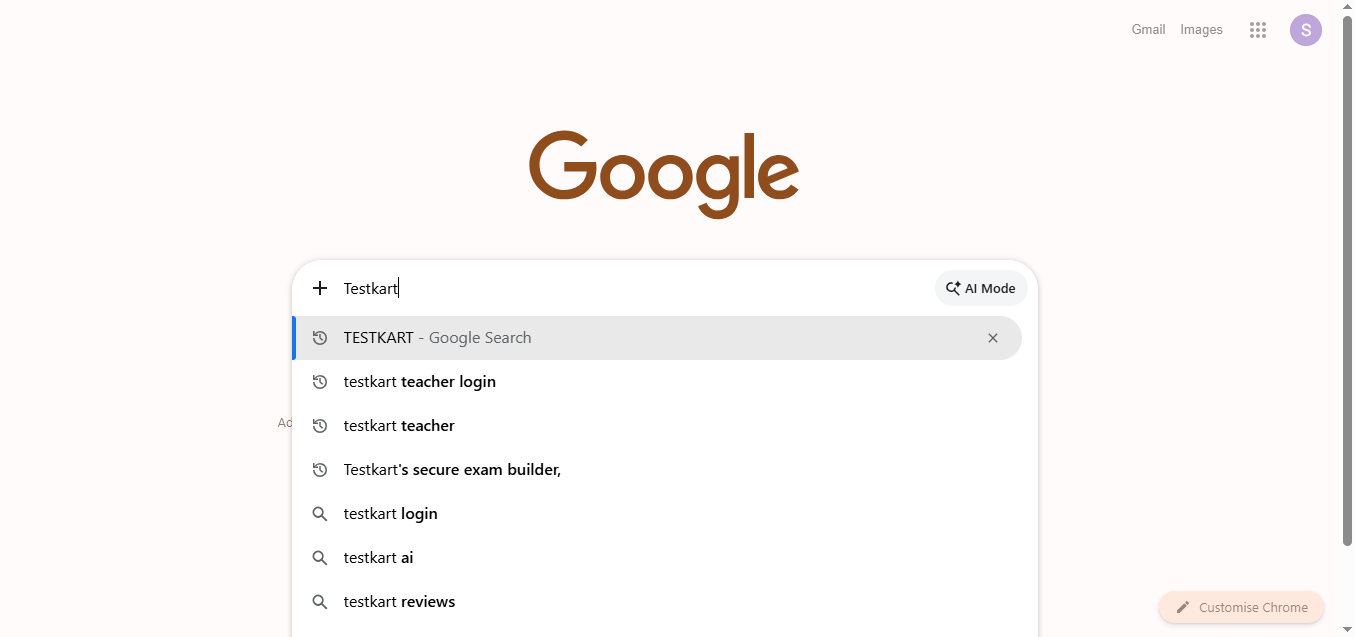
If you're new and don't have the website saved, the easiest way to find Testkart is a quick Google search. Simply search "Testkart", or if you already have an account, you can search "testkart teacher login" to jump straight to the login page.
2. Testkart Homepage
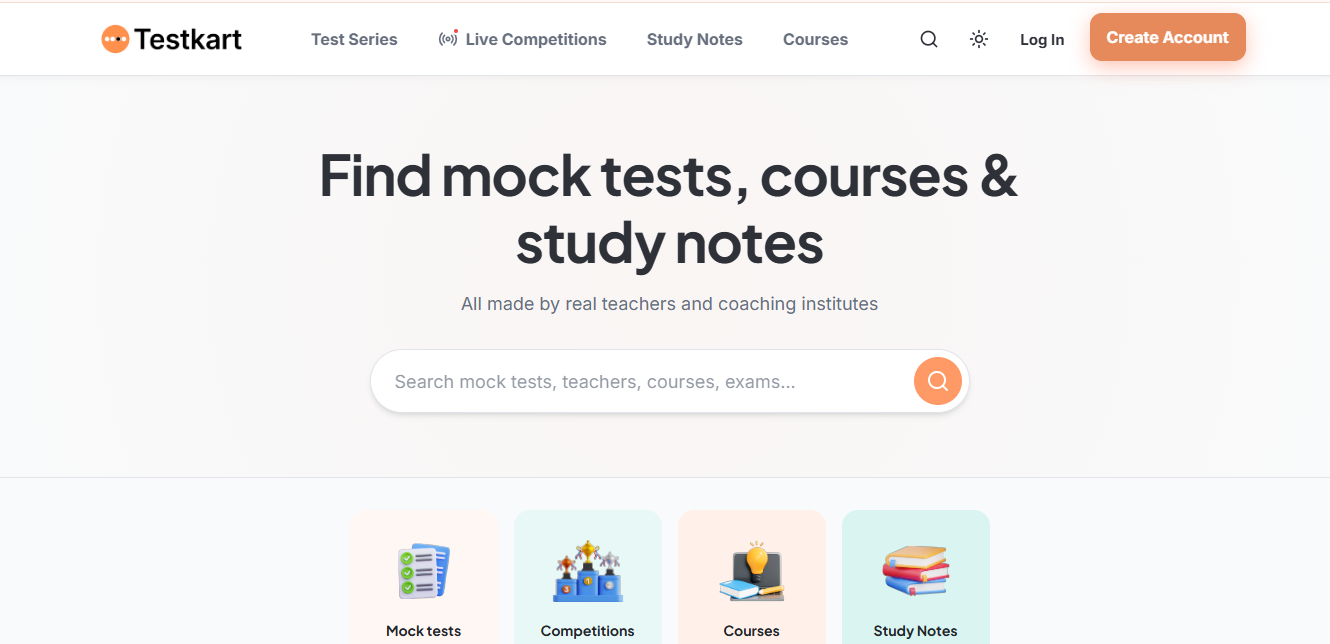
Once you land on the Testkart homepage, you'll see the platform's core sections in the top navigation: Test Series, Live Competitions, Study Notes, and Courses these are the same categories students browse to find content. In the top-right corner, you'll find two buttons: Log In (for existing users) and Create Account (to sign up as a new teacher).
3. Creating Your Educator Account
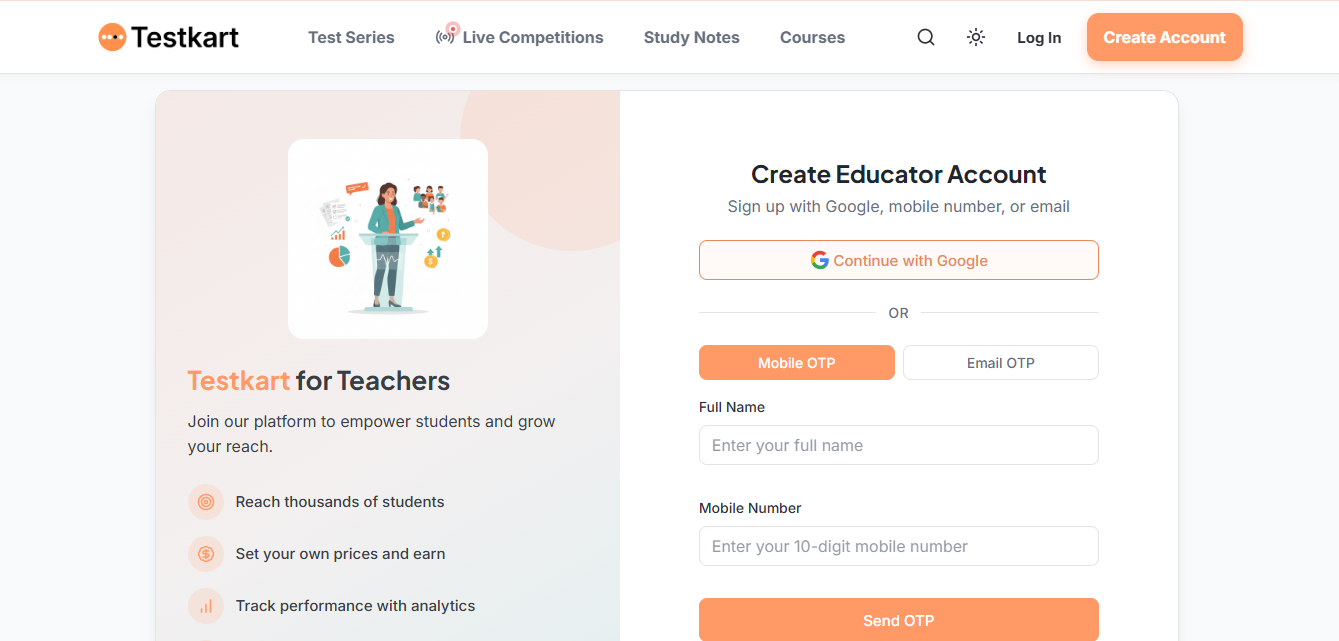
Click Create Account from the homepage to open the Create Educator Account page. Here's what it offers:
Reach thousands of students
Set your own prices and earn
Track performance with analytics
You have three ways to sign up:
Continue with Google — the fastest option, using your existing Google account.
Mobile OTP — enter your Full Name and Mobile Number, then click Send OTP to verify.
Email OTP — the same process, using your email address instead.
Note: After verifying your OTP (or signing in with Google), your account is created and you're taken into the Teacher's App.
4. Logging In
If you already have an account, click Log In from the homepage instead of Create Account, and sign back in using whichever method you originally signed up with (Google, mobile, or email).
5. Your Teacher Dashboard
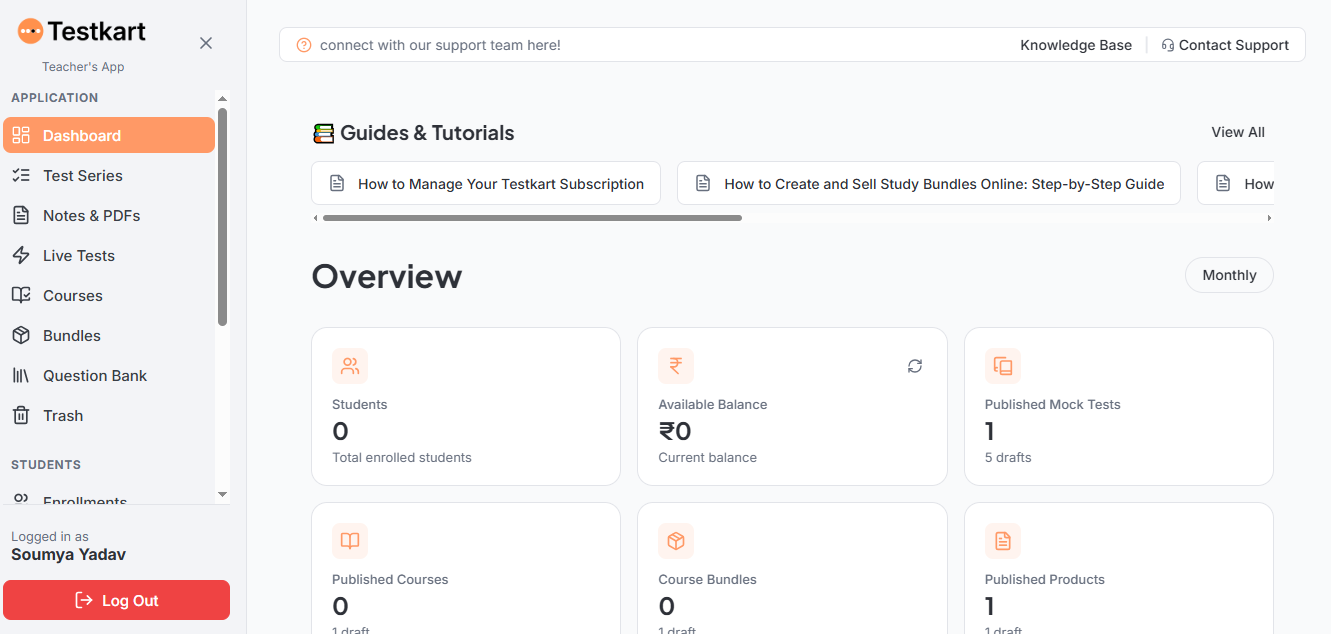
Once logged in, you land on your Dashboard inside the Teacher's App. This is your home base, and from here you can see:
Students — your total enrolled student count.
Available Balance — your current earnings balance.
Published Mock Tests — how many are live, plus how many are still in draft.
Published Courses, Course Bundles, and Published Products — a similar published/draft breakdown for each.
The sidebar on the left gives you access to everything you'll use as a teacher: Test Series, Notes & PDFs, Live Tests, Courses, Bundles, Question Bank, and Trash.
The dashboard also surfaces a Guides & Tutorials section right at the top, linking you to help articles like "How to Manage Your Testkart Subscription" and "How to Create and Sell Study Bundles Online" a quick way to jump into a specific how-to guide whenever you need one.
6. What to Create Next
With your account created and your dashboard in view, you're ready to start building. Here's where to go for each type of content:
How to Create a Test Series — build and sell your own mock tests.
How to Create & Sell Notes and PDFs — turn your study material into a sellable product.
How to Create and Publish a Live Test — host a scheduled, competitive live exam.
How to Create and Publish a Course — build a structured, multi-lesson course.
How to Create a Question Bank on Testkart — build a reusable library of questions for all your tests.
Each of these has its own dedicated, step-by-step guide. This Getting Started guide is just where your journey begins.
Frequently Asked Questions (FAQ)
Do I need any technical or coding skills to start teaching on Testkart?
No technical knowledge is required. Testkart is built for ease of use, allowing you to sign up, upload study materials, create mock tests, and manage your dashboard through a simple, visual interface.
How do I sign up for a Testkart Teacher account?
Click the Create Account button on the Testkart homepage. You can sign up using your existing Google account or by entering your mobile number or email address to verify via a quick One-Time Password (OTP).
Is there any cost to create an educator account?
Signing up as a teacher on Testkart is free to start. You can create your account, explore the teacher’s dashboard, and set up your initial content without paying upfront setup fees.
How do I log in if I already have an existing account?
Click the Log In button in the top-right corner of the Testkart homepage. Make sure to use the same sign-in method (Google, Mobile OTP, or Email OTP) that you selected when you first created your account.
What metrics can I track from my Teacher Dashboard?
Your home base dashboard displays key operational and revenue metrics at a glance, including your total enrolled students, available earnings balance, and live status (published vs. draft count) for mock tests, courses, bundles, and study notes.
How do I earn money on Testkart?
You retain full control over your content strategy and pricing. Once you publish test series, notes, or course bundles, students can purchase them directly through the platform. You can track your revenue on your dashboard and request payouts via the withdrawal section.